Your child touched the screen again, and the cartoon stopped?
TouchDisabler turns off screen touches while your child watches a video. The cartoon keeps playing, and you get on with your own things.
Get it on Google PlayAndroid 9+. Free while the beta lasts.
Sound familiar?
Paused
One accidental touch and the cartoon stops. Your child calls you to turn it back on.
A completely different video
A finger lands on the recommendations, and instead of the cartoon there is something you would never have picked.
The app closed
Back or Home got pressed, and the screen now shows the home screen, the settings or your email.
An accidental call
Little fingers get to the notifications and contacts. Someone is about to receive a very strange message.
And so every few minutes
You are cooking dinner, working, driving or finally sitting down with a coffee. But every time you have to drop everything and go fix it. The cartoon was supposed to give you twenty quiet minutes, and instead you became the remote control.
What parents usually try
Works for about two minutes. A small child cannot keep their hands to themselves, and that is normal.
Keeps the app from closing, but touches still work: pauses and other videos are still there.
Picks videos for children, but does not stop them from tapping the screen.
TouchDisabler turns off touches, and the cartoon keeps playing
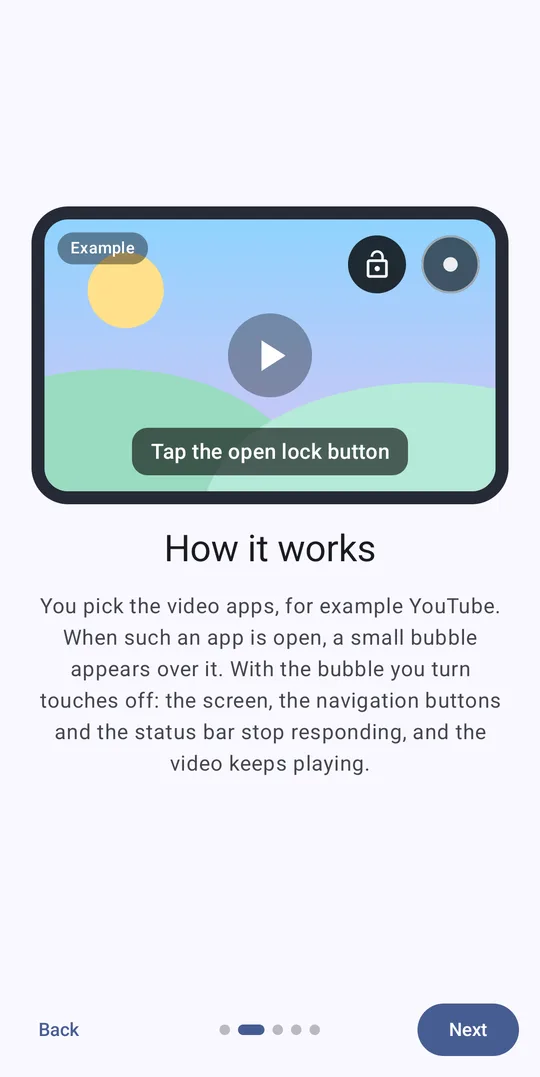
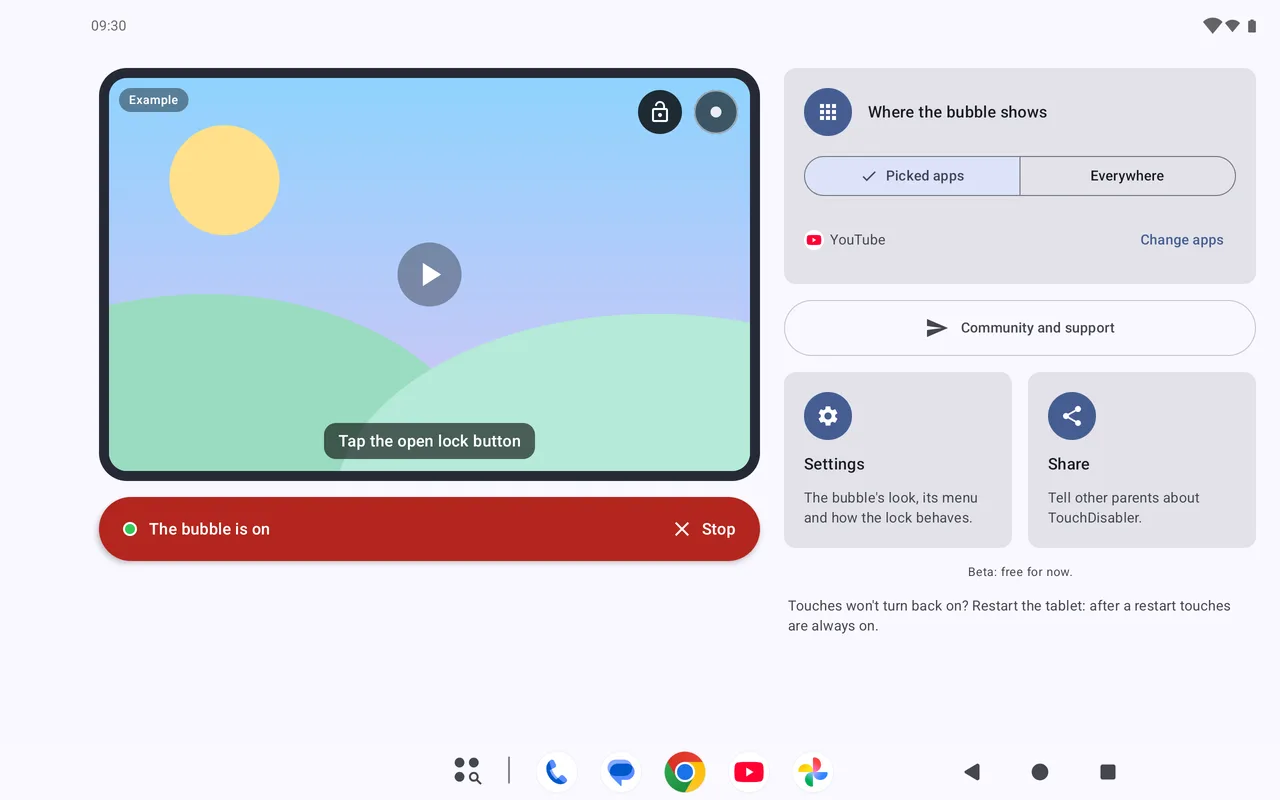
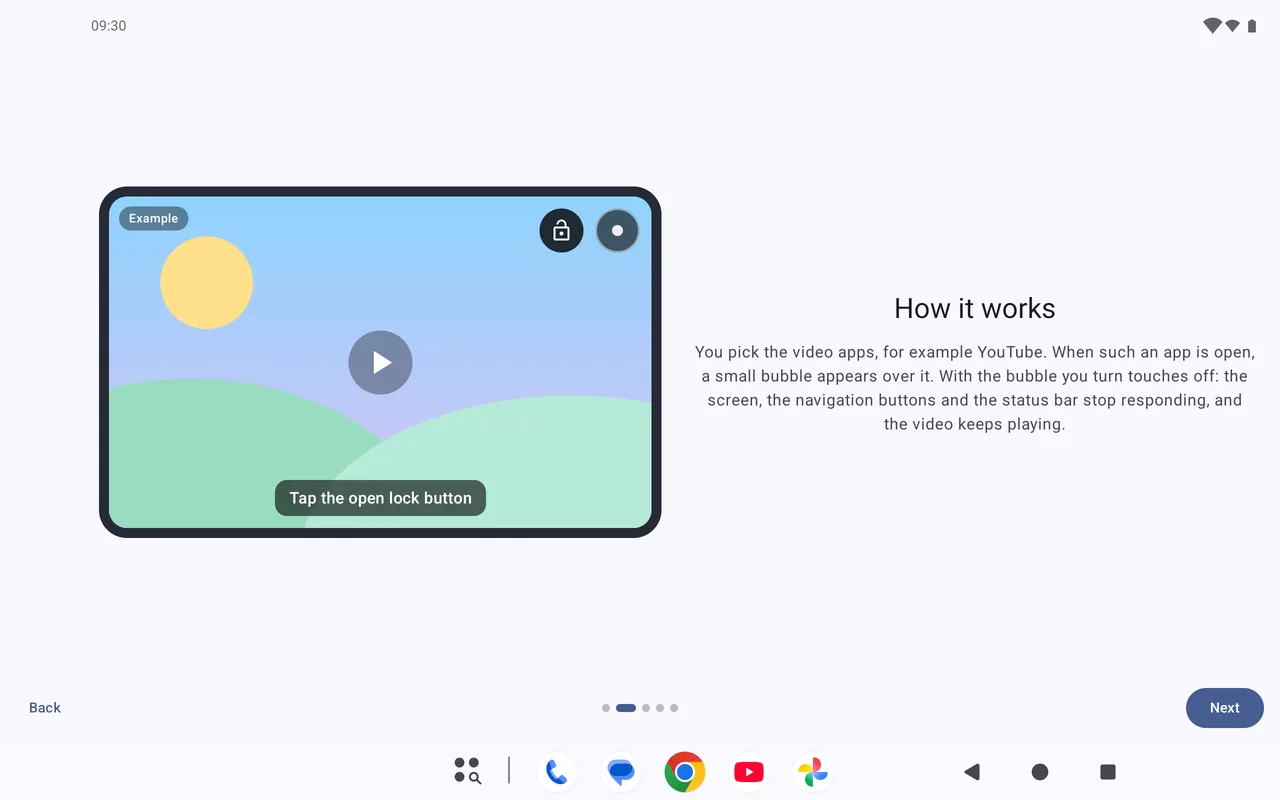
The screen, the navigation buttons, the status bar and the Back button stop responding. Your child can touch as much as they like: the video will not stop or change.
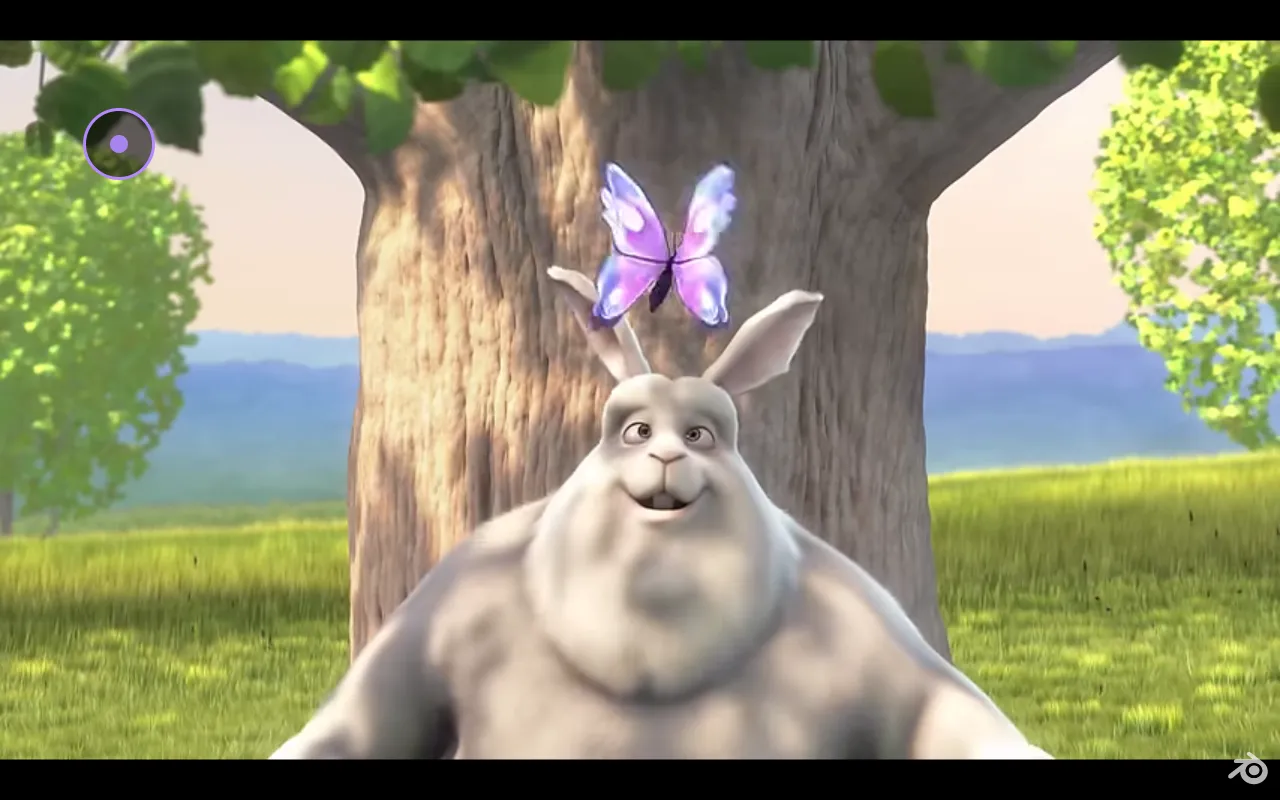
Three steps
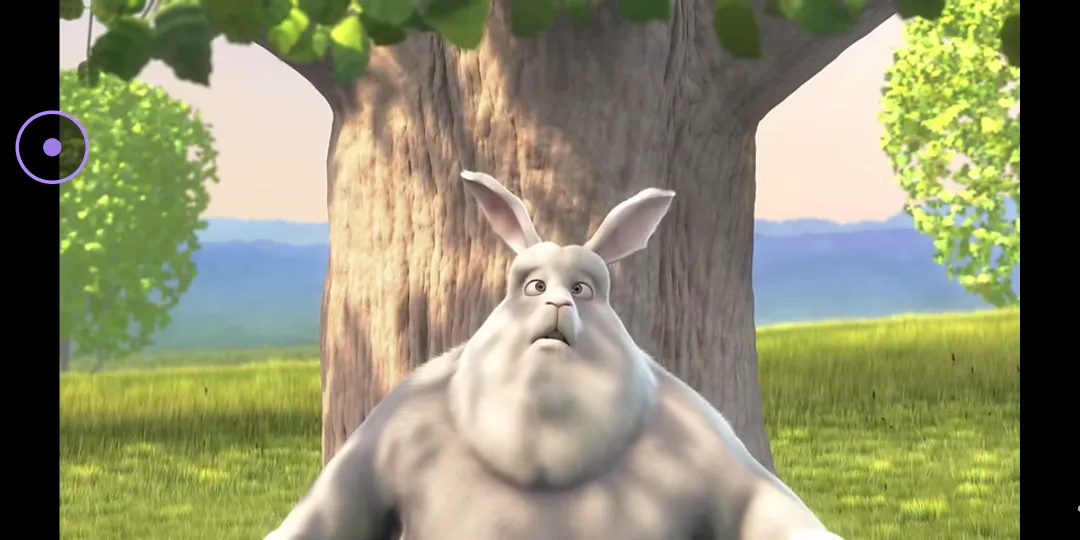
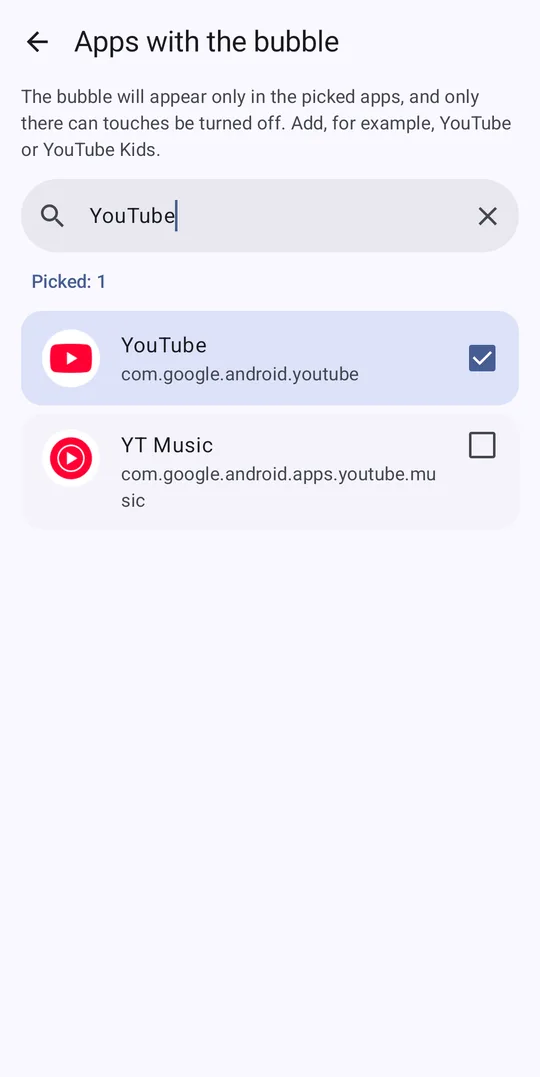
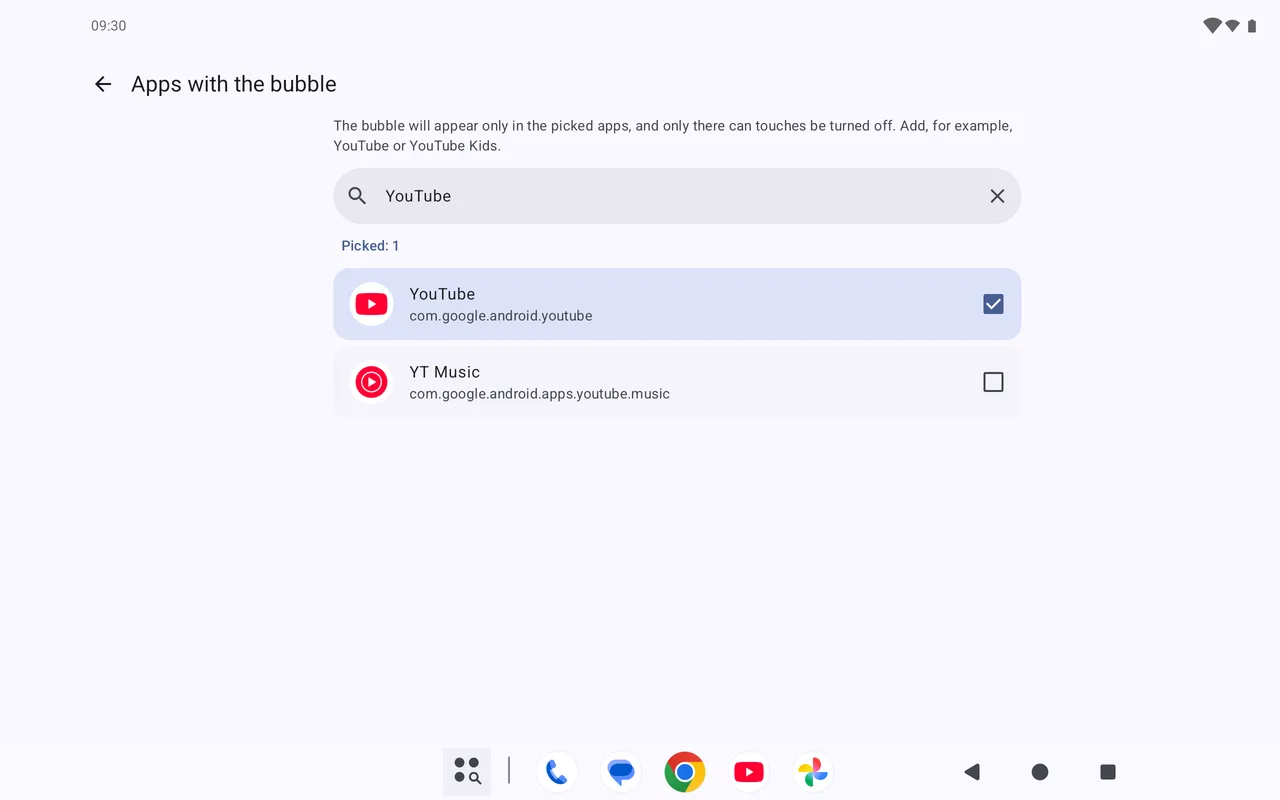
Pick the apps
For example, YouTube or YouTube Kids. A small bubble will appear over them.
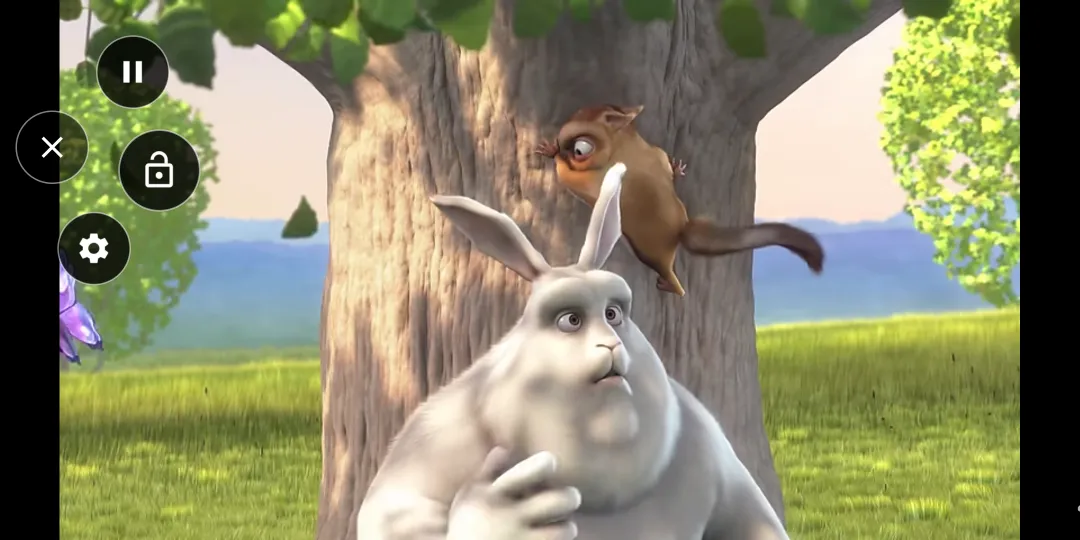
Turn touches off
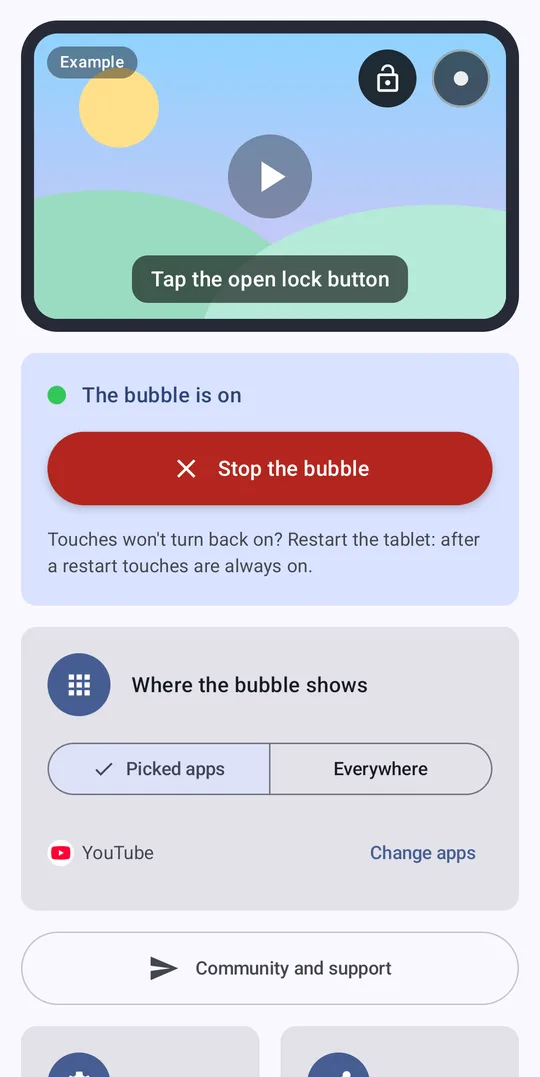
Tap the bubble, then the lock button. The video keeps playing, and the screen no longer responds to touches.
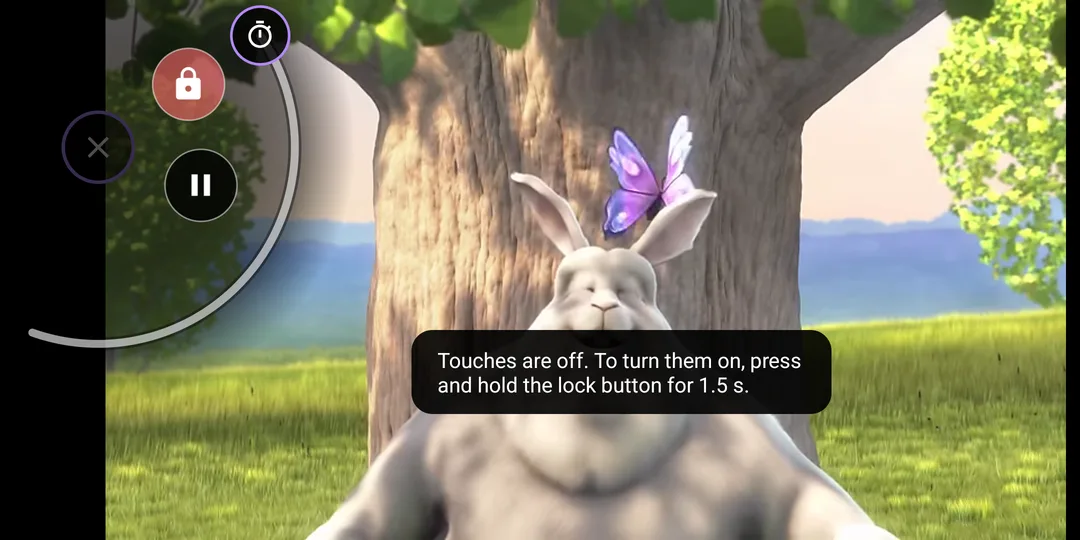
Turn them back on
Tap the bubble and hold the lock button for 1.5 seconds. A child will not do that by accident.
Screenshots
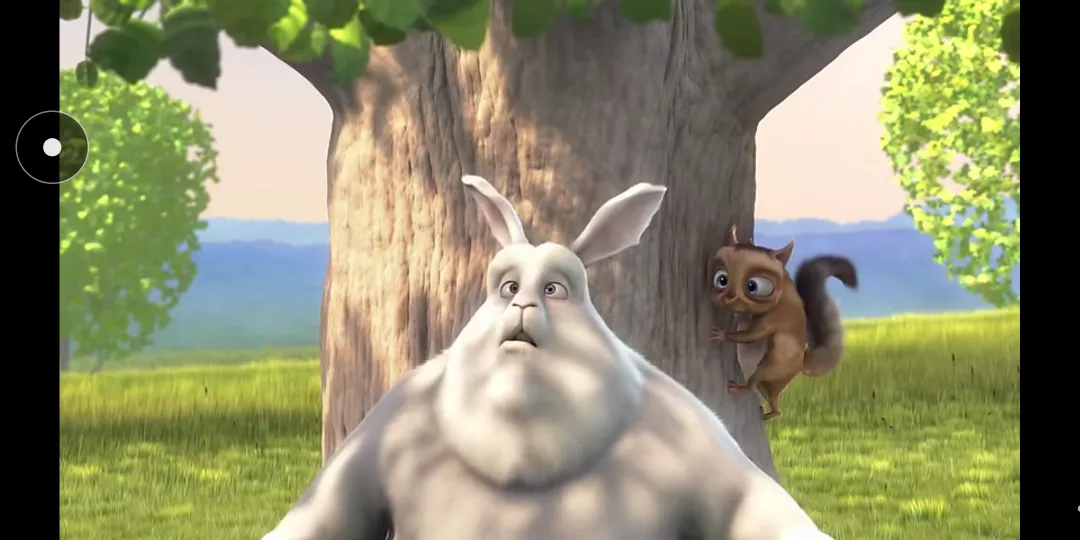
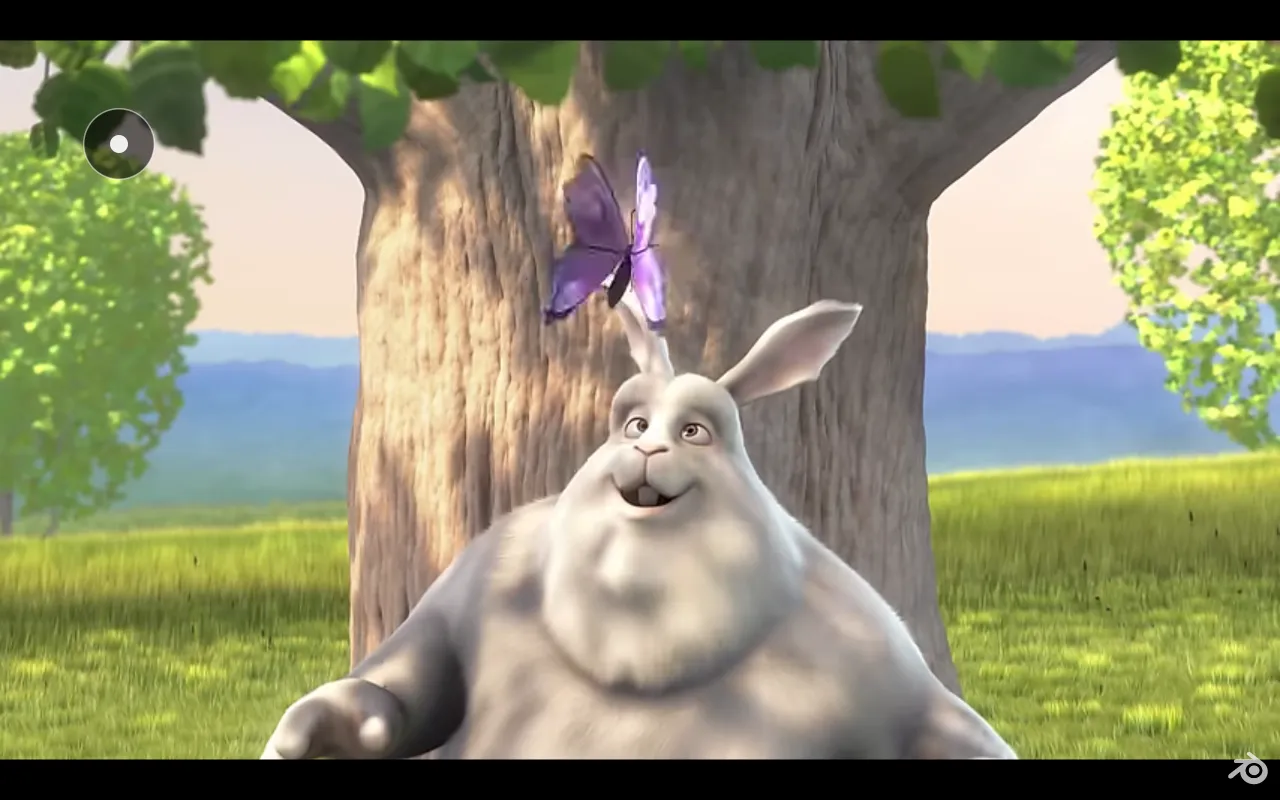
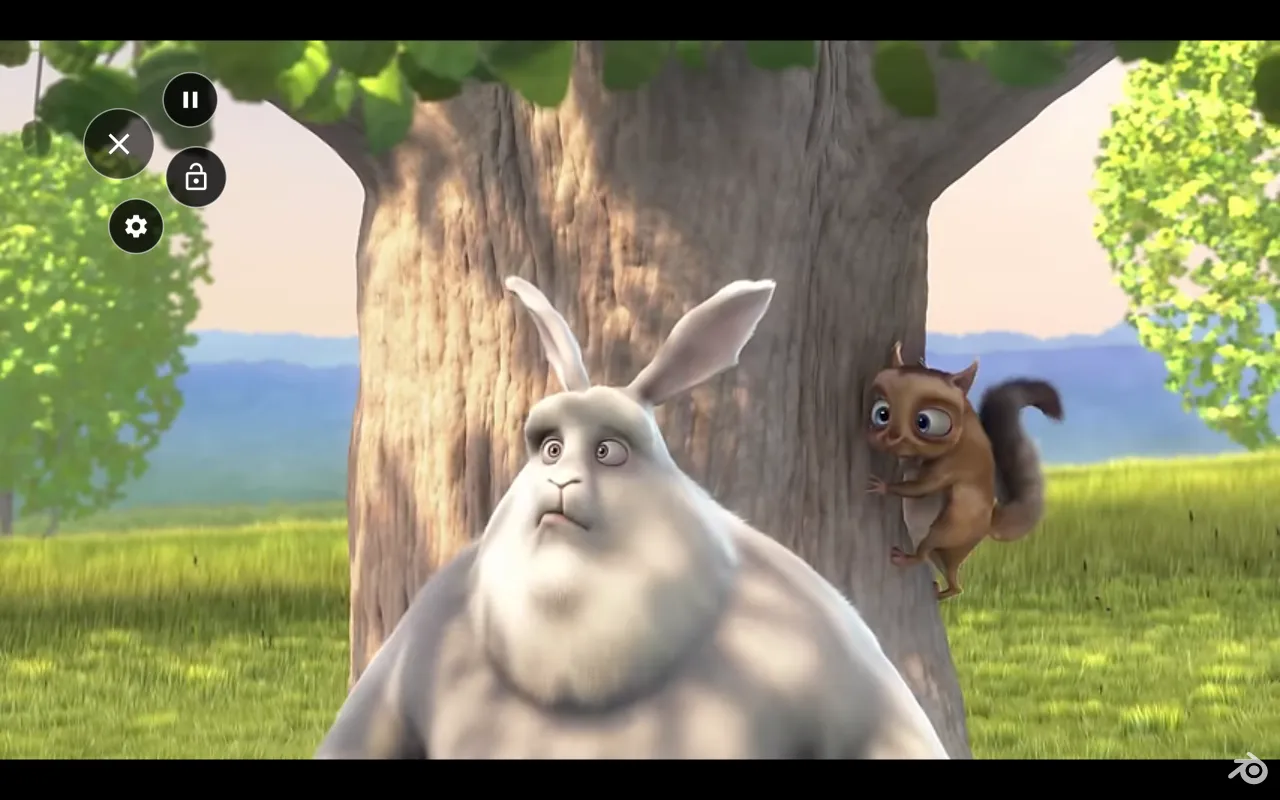
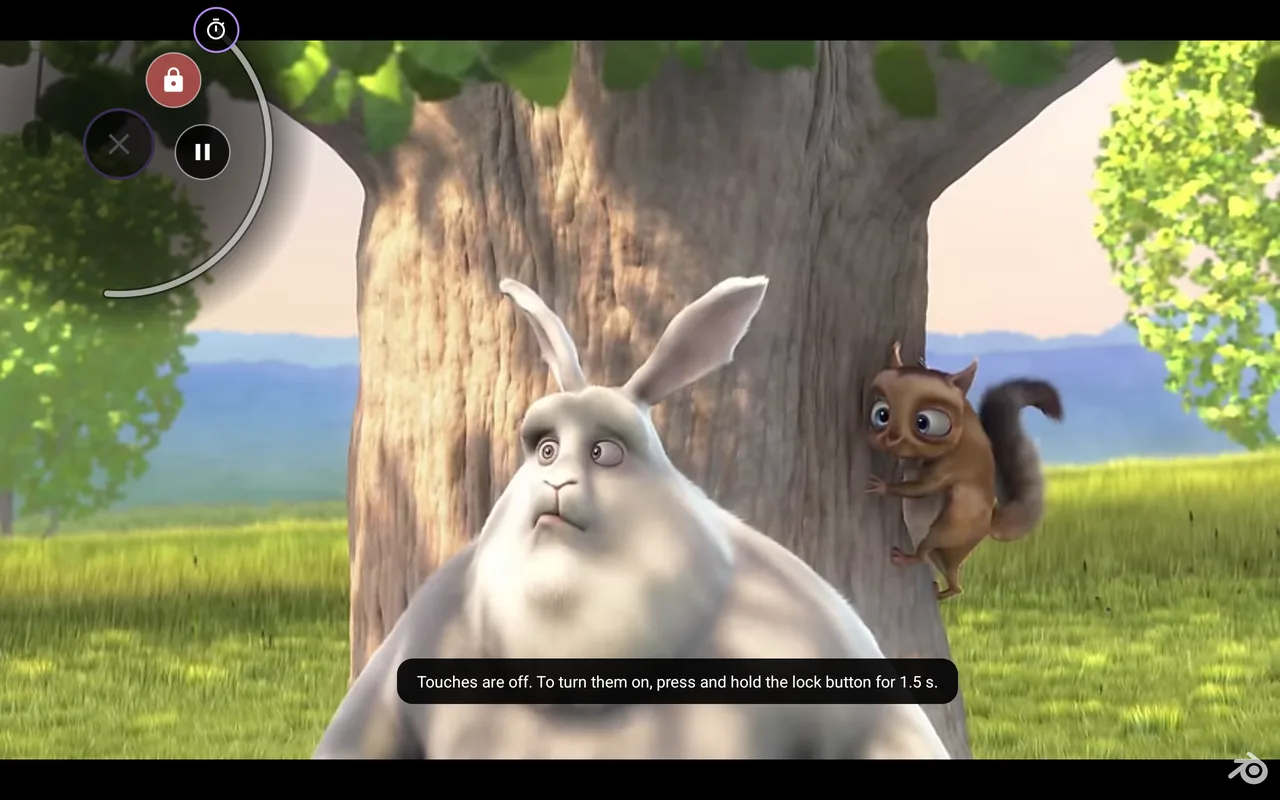
Honest and simple
- No ads and no accounts. Only anonymous statistics, which you can turn off.
- Free while the beta lasts. Later the app will become paid, but you will know in advance and have time to decide without hurry.
- Blocks touches on the screen, the navigation buttons and the status bar, and the Back button. If you like, the volume buttons too.
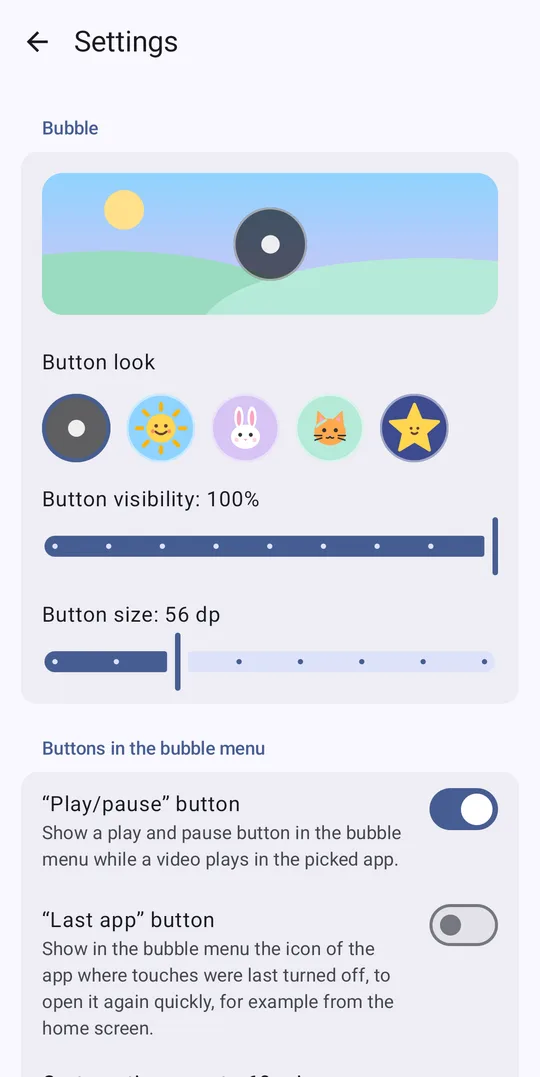
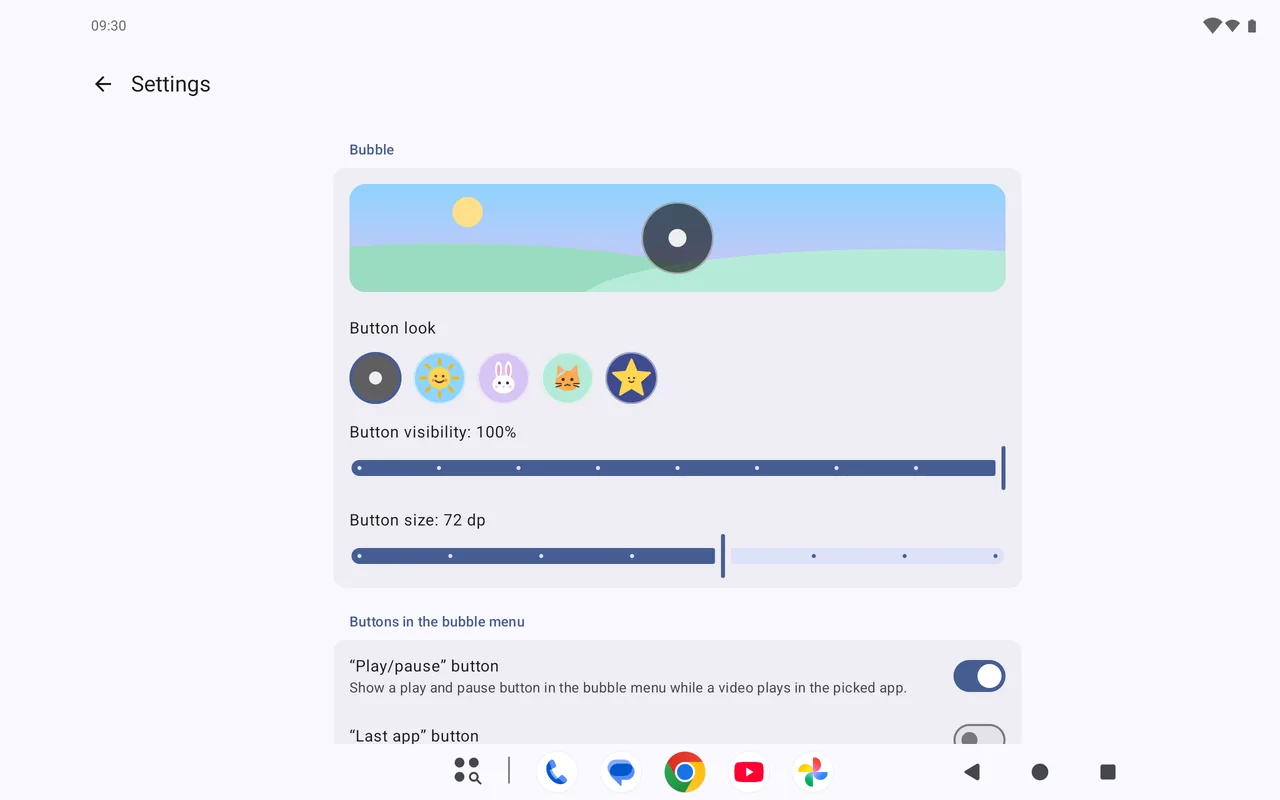
- The bubble is yours to style: sun, bunny, kitty, star; size and transparency.
- Android 9 and newer. Works best with 3-button navigation.
Questions
Something does not work, or you have an idea?
Write to us in the Telegram support group or by email at zigor535@gmail.com: we will answer, help you set it up and take your wishes into account.
Does the app see what my child watches?
No. TouchDisabler only knows which app is open right now, to show the bubble over the right one. It does not read screen content and sends app names nowhere.
What if I use gesture navigation?
Screen touches and the Back gesture are blocked. Android handles the Home and Recents gestures before any app, so no app can block them. If your child leaves the cartoon, TouchDisabler opens it again. It works most reliably with 3-button navigation.
YouTube asks “Turn on accessibility controls for the video player?”
YouTube shows this on every device with an Accessibility service turned on, and TouchDisabler works through exactly such a service. There is nothing to turn on: tap “Close”, and TouchDisabler will work as usual.
Let the cartoon just play
Install TouchDisabler from Google Play: it is free and takes a couple of minutes.
Get it on Google Play